

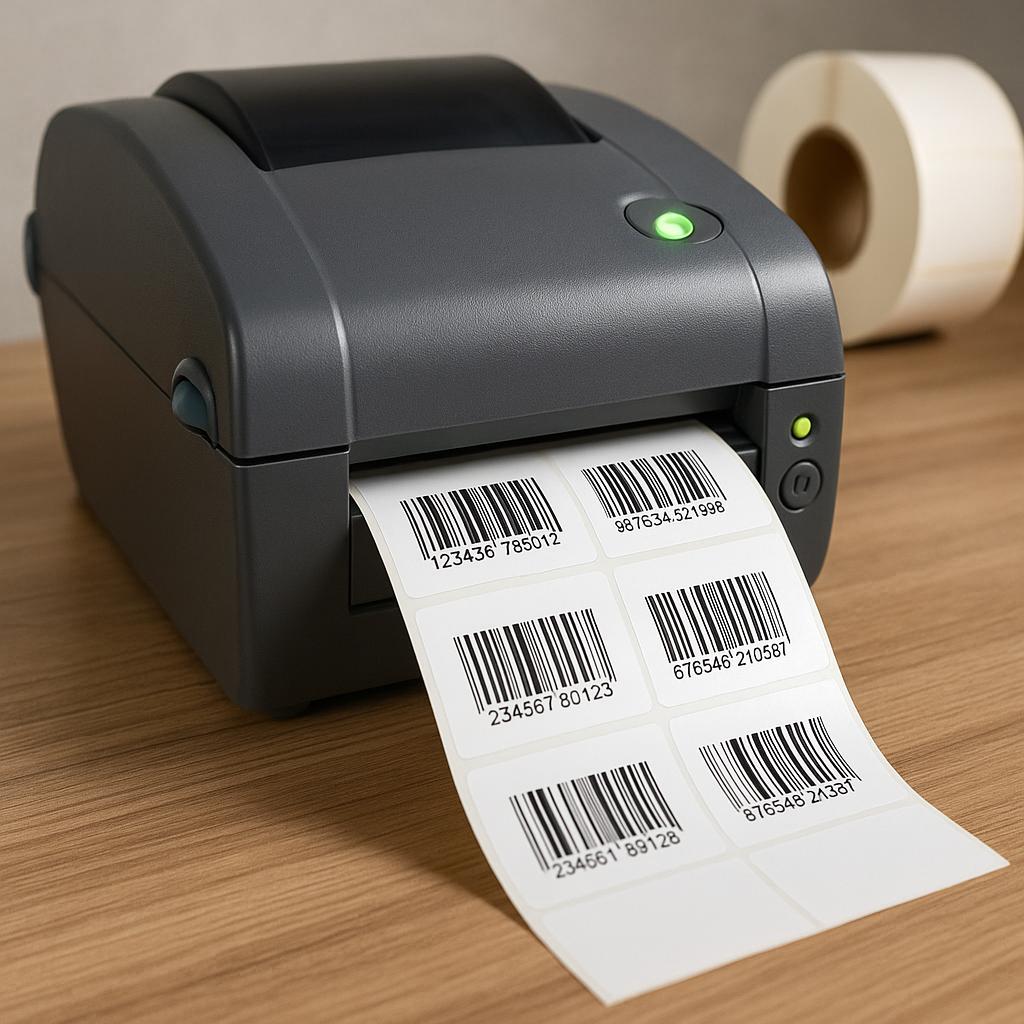
A 203 dpi thermal printer is usually sufficient for ordinary shipping labels, warehouse labels, and medium-size barcodes. Choose 300 dpi when labels are small, text is compact, two-dimensional codes are dense, or narrow barcode elements must remain sharply separated. Higher resolution improves detail, but it does not fix poor artwork, unsuitable media, or incorrect printer settings.
The decision should be based on the smallest feature in the real label format, not on the label’s overall dimensions. Print representative data at the intended size and speed, apply the label to the actual surface, and verify the symbol with the scanners used in production.
What Does DPI Mean?
DPI is the number of printable dots per inch across the printhead. A 203 dpi device produces roughly eight dots per millimeter, while a 300 dpi device produces roughly twelve. More dots allow smaller curves, characters, bars, and modules to be represented with finer steps.
Thermal printers create images on a fixed dot grid. A barcode module cannot occupy a fraction of a physical dot. Barcode software therefore converts the desired size into an integer number of dots, which can slightly change the final width. Good design software accounts for this limitation.
When Is 203 DPI Enough?
Use 203 dpi for common 4 × 6 shipping labels, pallet or carton identification, receiving labels, and product labels with generous space. It is widely supported, prints quickly, and normally costs less. Large Code 128, UPC, and ordinary address text can be very readable at this resolution.
Choose a label layout that gives the barcode adequate height and quiet zones. Do not reduce a symbol simply to create more white space for branding. With clean media, correct heat, and sensible speed, 203 dpi can deliver excellent operational results.
When Does 300 DPI Provide a Real Benefit?
Choose 300 dpi for small FNSKU labels, laboratory or healthcare labels, electronics, compact asset labels, dense QR or Data Matrix symbols, and formats containing small fonts. It gives the designer more valid module-size choices and makes fine details less dependent on a single dot.
The advantage is greatest when the barcode must fit a restricted area without sacrificing quiet zones. A 300 dpi printer may run more slowly at comparable image quality and costs more, so use it where the smaller feature size creates measurable value.
Does 300 DPI Automatically Improve Barcode Grades?
No. Barcode quality also depends on the data, symbology, module size, contrast, quiet zones, print speed, heat, printhead condition, label surface, and application. A badly scaled 300 dpi file can grade worse than a correctly designed 203 dpi symbol.
Do not take a 203 dpi bitmap and simply print it on a 300 dpi device. Use vector artwork or regenerate the barcode at the target resolution. This allows the software to align bars and modules to the new dot grid.
How Does Resolution Affect QR Codes?
A QR code consists of square modules. Each module should be formed by a whole number of printer dots. If modules become too small, missing or swollen dots can merge adjacent areas and reduce the code’s error margin. Dense data creates more modules in the same physical space.
Reduce unnecessary encoded data before shrinking the symbol. Preserve the required quiet zone, use black on white, and avoid placing logos or graphics over operational QR codes. For compact codes, 300 dpi provides more practical module sizes, but a larger 203 dpi code may scan just as well.
How Does Resolution Affect Linear Barcodes?
The narrowest bar or space determines whether the printer can reproduce the selected magnification. Software should map every element to whole dots and preserve the intended wide-to-narrow ratios. Small changes in bar width can influence scanning.
Use a larger X-dimension when the label has room or the scan environment is difficult. Do not shorten bar height excessively to fit text. A barcode with adequate height and quiet zones is easier to scan across varied angles than a compact symbol printed at the theoretical minimum.
Does the Label Material Matter?
Yes. The thermal coating must respond evenly at the selected speed and energy. Rough, inconsistent, or low-sensitivity material can produce broken edges even at high resolution. Smooth label stock helps the printhead create uniform dots and reduces the heat needed for a dark image.
The adhesive and facestock must also keep the applied barcode flat. Wrinkles, edge lift, moisture, abrasion, and curvature can damage scan performance after printing. Approve the entire construction rather than judging resolution on an unapplied sample.
What Print Settings Should You Test?
Begin with the material recommendation, then test speed and darkness as a pair. Slower printing gives the media more heating time. Too little energy creates gray or incomplete dots; too much can spread the image, fill narrow spaces, and shorten printhead life.
Print a controlled matrix of a few sensible settings instead of changing values randomly. Include the smallest text, longest data string, densest 2D code, and largest dark area used in production. Clean the printhead before comparing samples.
How Should You Compare 203 and 300 DPI?
- Generate the same label natively for each resolution.
- Print on the proposed production material at expected speed.
- Apply samples to actual packages or products.
- Scan with every important fixed and handheld scanner.
- Verify barcodes and inspect text after environmental exposure.
Test worst-case data, not a short demonstration code. Long product identifiers can widen a linear barcode, while long URLs or serial data increase a QR code’s density. Include labels printed after the machine is warm and near the roll core.
Which Resolution Should a Buyer Specify?
Specify 203 dpi when the formats are comfortably sized and verified at operational distance. Specify 300 dpi when the smallest required element cannot be reproduced reliably at 203 dpi or when a smaller label produces meaningful packaging benefits. Consider 600 dpi only for specialized, extremely detailed work.
Tell the label maker the printer resolution, speed, print method, barcode types, smallest module or bar, surface, and environment. Request production samples. The correct resolution is the lowest one that repeatedly meets readability and verification requirements with realistic data and handling.
